> For the complete documentation index, see [llms.txt](https://docs.siboor.com/llms.txt). Markdown versions of documentation pages are available by appending `.md` to page URLs; this page is available as [Markdown](https://docs.siboor.com/siboor-0.2-r1-aug/tuning-guides/calibration-belt.md).
# Calibration Belt
### Belt Tension
Belts that are too tight (or too loose) can cause mechanical issues, premature wear and print quality issues.
#### A/B Belts
**Watch** [**this video**](https://user-images.githubusercontent.com/54855101/163674612-930d737d-0ab3-4056-a2b9-def2939db61f.mp4) **for a demonstration.**
1. Move your X extrusion forwards until the X/Y idler centers are 150mm from the front idler centers.
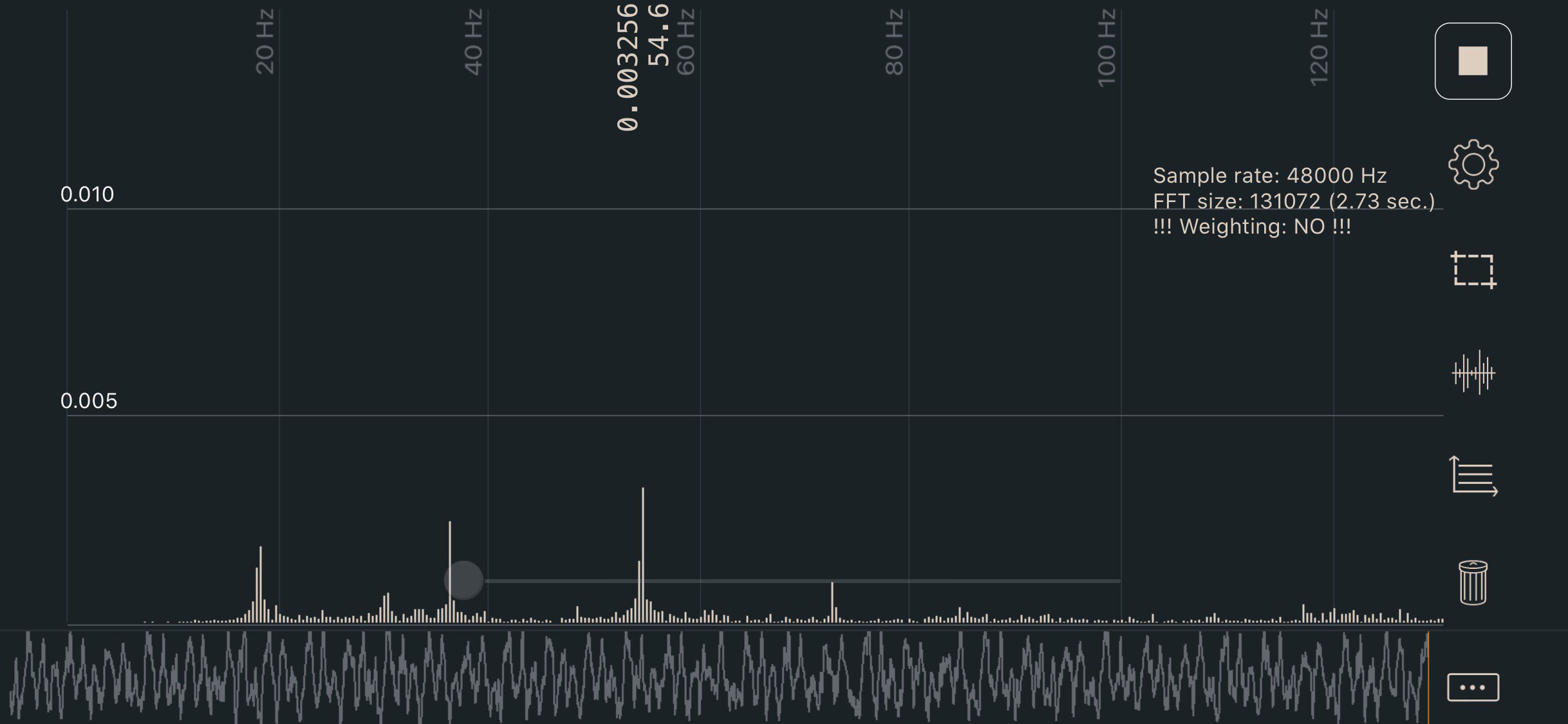
2. Pluck the 150mm section of belt and measure the frequency with one of the apps listed below.
3. Adjust the tensions until the lowest frequency in your plot registers approximately 110Hz.
* The A/B belt tensions can affect each other. Tightening one will also tighten the other. Go back and forth adjusting each until they are equal.
4. Move your X extrusion back at least a few centimeters and then back again. Re-check your tensions.
110hz equals roughly 2lb of belt tension here, which is on the lower end of the range. This should be a good starting point without stretching your belts too tight.
#### Apps
* iOS: Sound Spectrum Analysis
* Android: Spectroid
* Both: Gates Carbon Drive *(use the “motorcycle” option)*
* This app shows a single frequency rather than a graph. It’s more difficult to get a good reading, but easier to interpret the result.
**Sound Spectrum Analysis (iOS)**